
If you have a problem with the vRealize Operations Manager Management Pack for vRealize Orchestrator with the newest version of vRealize Orchestrator (standalone or embedded), you probably have not read vRO 8.8 release notes carefully. So, do I 🙂
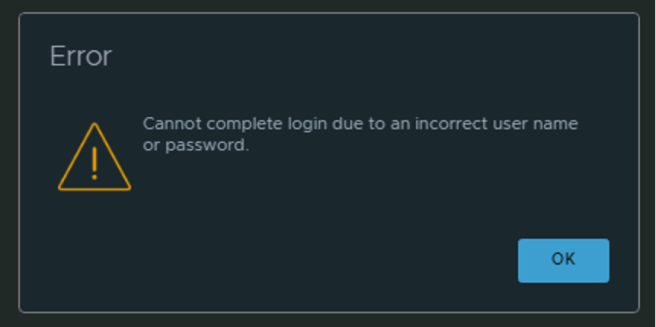
The main reason why that management pack stopped working is that vRO 8.8 has disabled Basic Authentication by default. That’s why we can see such message error in the vROPS integration as below:
How to fix it?
To use basic authentication in vRealize Orchestrator, the system property com.vmware.o11n.sso.basic-authentication.enabled must be set to true.
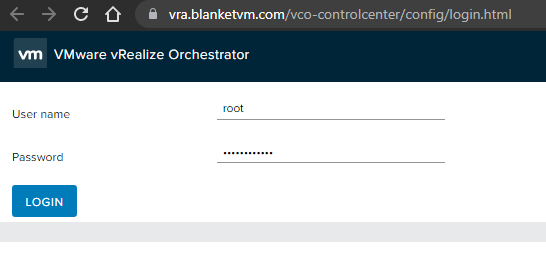
Log into vRO Control-Center on the root account:
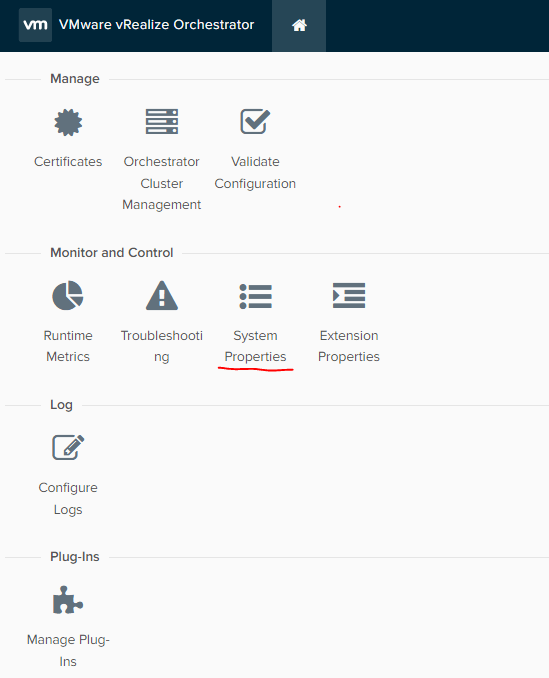
Go to the System Properties and set property: com.vmware.o11n.sso.basic-authentication.enabled to TRUE.
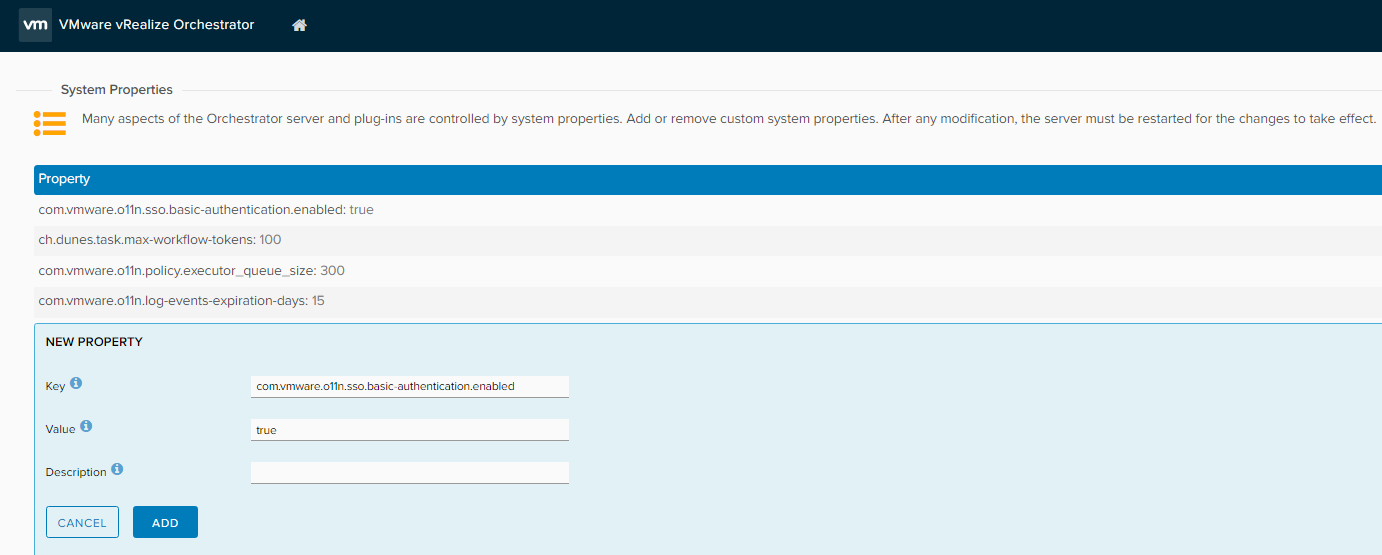
Click Add and wait a few minutes until the vRO service will be restarted. And that’s all. Management Pack should work again.
Summary
Stay tuned!
 BlanketVM
many thanks, this article solved my issue, as usual, I’m too fast and dont take time to read the Fu..ing Manual 🙂
LikeLike